REMOTE & MOBILE · COMING SOON
Watch your agents from anywhere
See progress, approve permission requests and start or stop services from your phone — end-to-end encrypted, outbound only. iOS, Android and HarmonyOS.
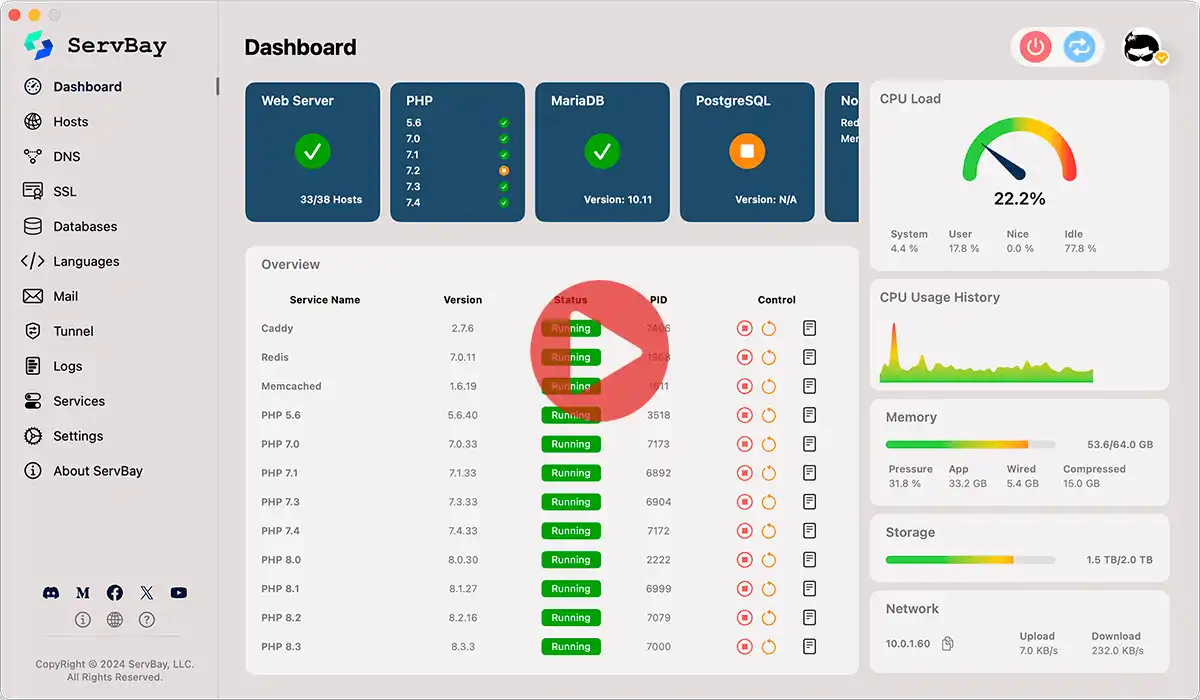

Your machine makes outbound connections only; encrypted data is relayed to your phone. The relay can't read it, and nothing runs without your approval.
Pair your phone with your machine once to set up an end-to-end encrypted channel.
Agents and services report status encrypted — no inbound ports, ever.
Approve, pause or stop from your phone — every action runs on your own machine.
Native support for iOS, Android and HarmonyOS.
Remote sessions are end-to-end encrypted; the relay only forwards encrypted data.
No inbound ports are opened on your machine.
Sensitive actions need your confirmation on your phone.
Yes. Remote sessions are end-to-end encrypted and the relay only forwards encrypted data — it can't read your sessions.
No. Connections are outbound only; no inbound ports are opened on your machine.
Agents that run through ServBay, such as Claude Code, Cursor and Codex.
